Notes
How to Organize Client Project Files as a Freelancer
A practical project file structure for freelancers who need proposals, contracts, approvals, deliverables, and invoices to stay connected.
Quick answer
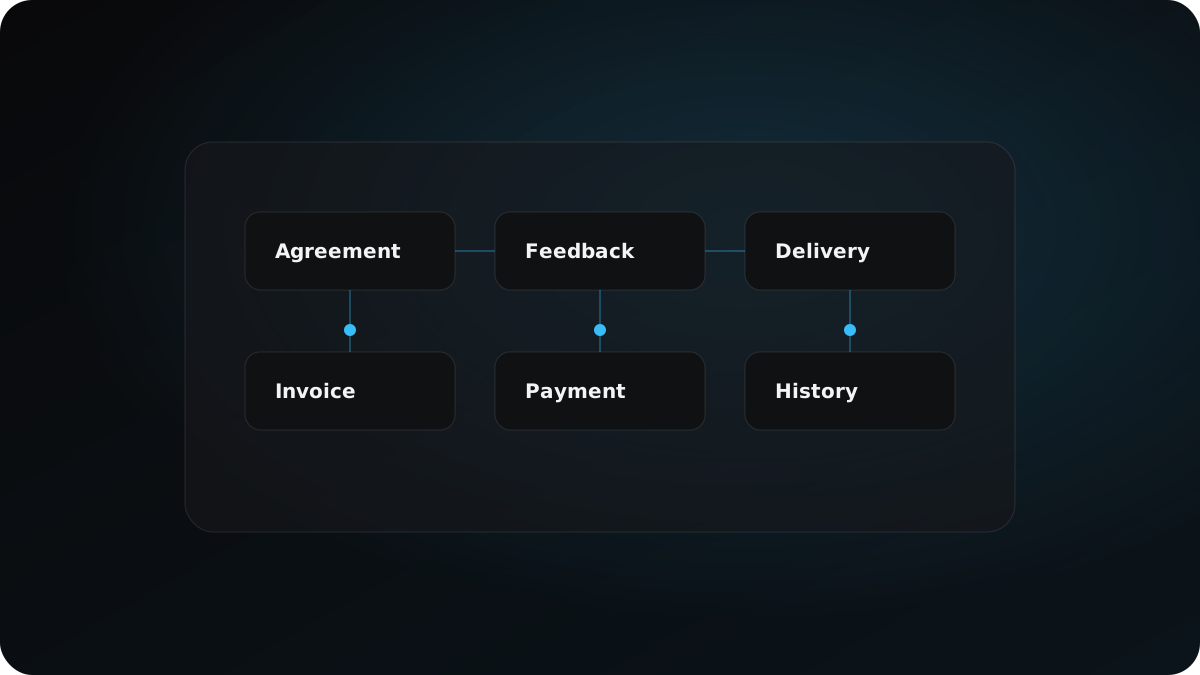
Organize client files around decisions: agreement, source material, feedback, delivery, invoices, payment records, and open issues.
Overview
A folder should tell the history of a project when memory is no longer enough.
Organize around decisions, not storage
A folder structure is useful only if it helps you answer real project questions later. What was agreed? What changed? What was delivered? What was approved? What was billed? If the structure cannot answer those questions, it becomes another place to search.
Use stable project zones
Keep one project folder per engagement, then separate agreement, source material, client feedback, delivery, invoices, and payment records. The names do not need to be clever. They need to be predictable enough that you can return months later and understand the project state.
Add status without over-managing
Use dates and simple status labels on high-signal records: approved, sent, final, paid, overdue, needs review. Avoid turning the folder into a complex project management system. The goal is fast reconstruction, not administrative perfection.
When not to use this
Do not create a complex folder structure if it makes the next action harder to find. The structure should reconstruct the project, not become administration.
Example
A website project folder should let you find the proposal, contract, approval screenshot, delivery note, invoice, and payment promise without searching every tool.
Checklist
- Keep one stable project folder per engagement.
- Store proposal, contract, messages, invoices, and deliverables together.
- Use dates and status labels on high-signal materials.
- Review project history before billing or reminder steps.
Copyable template
Client Project Brief
# Client project brief

Client: [client name]
Project: [project name]
Goal: [business goal]

Core records:
- Proposal:
- Contract / agreement:
- Key messages:
- Delivery folder:
- Invoice:

Current state:
- Approved:
- Changed:
- Delivered:
- Billed:
- Paid:

Open risks:
- [risk]

Next action:
- [action]
FAQ
What folders should a freelancer use?
Start with agreement, source material, client feedback, delivery, invoices, and payment records.
Should I organize by date or file type?
Use both when helpful: stable zones by record type and dates on high-signal files.
How does this help invoicing?
It keeps delivery, approval, and billing context close enough to review before sending an invoice or reminder.
Related next steps
Closing thought
Clear structure creates the base layer for confident next actions.