Notes
How to Tell if a Client Request Is Out of Scope
A practical way to decide whether a client request changes scope, timeline, budget, or acceptance criteria.
Quick answer
A client request is likely out of scope if it adds a deliverable, changes the timeline, adds revision rounds, requires new technical work, or was not included in the original agreement.
Overview
Scope drift is often subtle. The same request can look harmless and still create hidden rework.
The request is not the whole signal
A client request becomes a scope issue when it changes the work you agreed to deliver. The request may be small in wording but large in consequence. A pricing calculator, an extra page, a new integration, or another review round can all change timeline, budget, acceptance, or responsibility.
Compare against the agreement
Start with the written scope, proposal, contract, or latest approved change. Then ask whether the request changes deliverables, introduces a new dependency, extends revisions, moves the deadline, or requires work after acceptance. If the answer is yes, treat it as a change request before doing the work.
Clarify without sounding defensive
The goal is not to reject the client. The goal is to make the tradeoff visible. A useful reply names the request, links it to the original agreement, and offers a path: include it as a paid change, swap it for another item, or schedule it for a later phase.
When not to use this
Do not send a paid change request yet if the original scope is unclear, the request may be a bug fix, or you need one clarifying question before deciding.
Example
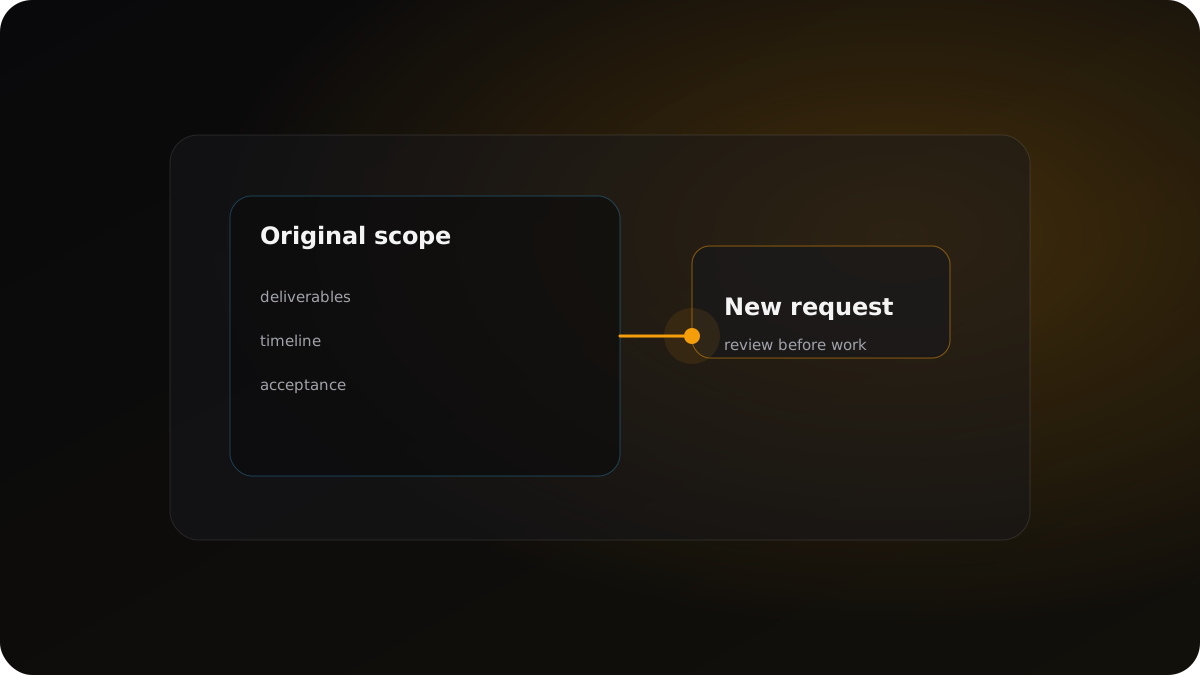
Original scope includes five landing pages. The client asks for a pricing calculator. That request changes deliverables, technical work, and acceptance criteria, so it should be reviewed as a scope change.
Checklist
- Compare the request to written scope language.
- Check whether it changes timeline, deliverables, or acceptance criteria.
- Separate required fixes from optional improvements.
- Clarify the change before starting unapproved work.
Copyable template
Scope Creep Checklist
# Scope creep check

New request: [describe request]
Original scope source: [proposal / contract / approved change]

Check whether the request:
- Adds a new deliverable
- Changes timeline or launch date
- Adds revision rounds
- Requires new technical work
- Changes acceptance criteria
- Depends on a new person, tool, or asset

Decision:
- In scope: [why]
- Out of scope: [why]
- Needs clarification: [question to ask]

Suggested next step: [confirm / change request / later phase]
FAQ
How do I know if a client request is out of scope?
Compare it to the written agreement and check whether it changes deliverables, timeline, price, revisions, or approval process.
Should I push back immediately?
Not always. First clarify the request and confirm the original scope so the tradeoff is visible.
What should I send the client?
A calm message that names the new request, references the original scope, and proposes a change request or later phase.
Related next steps
Closing thought
The goal is not to block change. The goal is clarity before action.