Notes
How to Track Client Approvals Without Losing Them in Chat
A practical system for saving client approvals from chat, email, screenshots, and project files before they disappear.
Quick answer
Track client approvals by saving the exact source, date, approved deliverable, and next action the approval supports.
Overview
Most client approvals happen in short threads. They become hard to re-use when invoicing, clarifying scope, or preparing follow-up.
Why approvals disappear
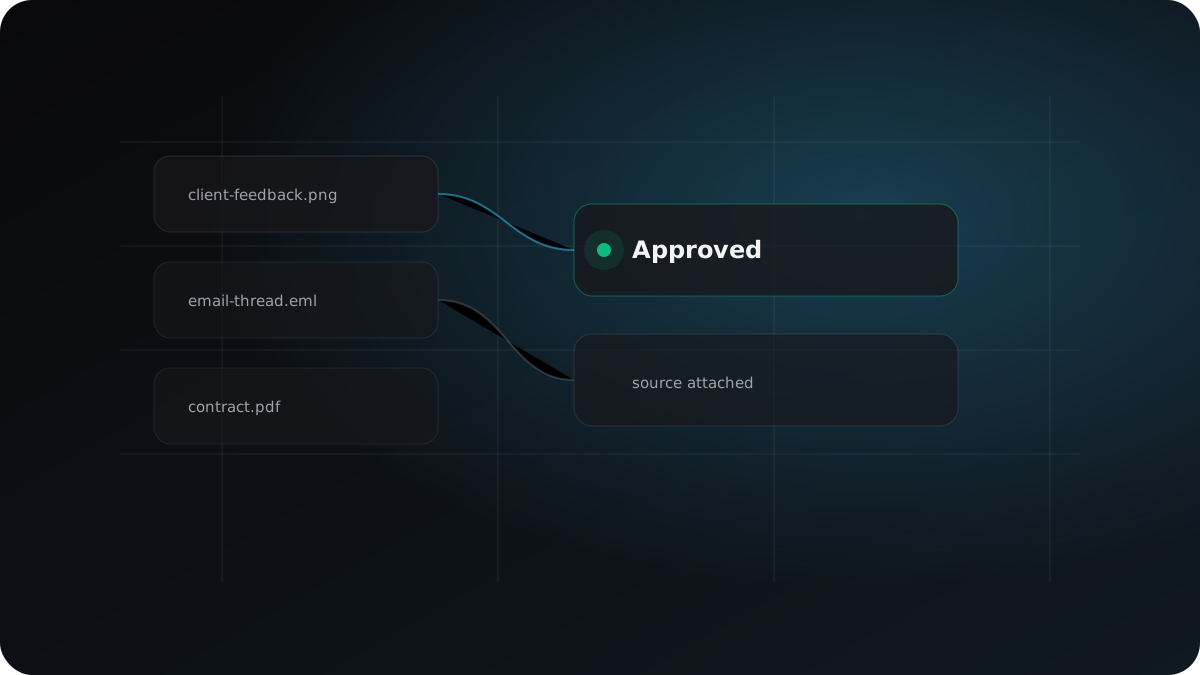
Approvals rarely arrive as formal sign-offs. They show up as a short reply in email, a thumbs-up in chat, a comment on a design file, or a screenshot attached to a later message. The problem is not that the approval never happened. The problem is that it becomes separated from the proposal, contract, delivery record, and invoice decision it supports.
Build an approval trail
Treat every approval as a record with context. Save the source, the date, the exact wording, the related deliverable, and the decision it supports. If the approval is informal, mark it as provisional until it is aligned with the written scope or confirmed in a follow-up message.
Use approvals before taking action
Before sending an invoice, starting the next phase, or responding to a scope question, review the approval trail. A useful approval record should answer three questions quickly: who approved, what they approved, and what source proves it.
When not to use this
Do not treat an emoji reaction, vague praise, or partial feedback as final approval when billing, launch, or scope depends on a clear decision.
Example
A client says "Looks good" in a chat thread after reviewing the homepage. Save the message, link it to the homepage deliverable, then ask for explicit confirmation before using it as invoice support.
Checklist
- Keep approval-bearing sources with scope and invoice context.
- Record source type, date, and exact client wording.
- Treat informal approvals as provisional until aligned with the project record.
- Move to a next action only from a reviewed state.
Copyable template
Client Approval Request Template
Subject: Approval confirmation for [deliverable]

Hi [Client name],

Thanks for reviewing [deliverable].

Before I move to [next step], can you confirm that [specific deliverable / direction] is approved?

For clarity, I have the approved item as:
- Deliverable: [deliverable]
- Version/date: [version or date]
- Next step after approval: [next action]

Please reply with "approved" or any final notes I should address first.

Thanks,
[Your name]
FAQ
What counts as client approval?
A useful approval names the deliverable or milestone and comes from a person with authority to accept the work.
Is a chat message enough?
Sometimes it is enough for a working record, but important billing or launch decisions should be confirmed in writing.
How should I store approvals?
Keep the source, date, wording, related deliverable, and next action together.
Related next steps
Closing thought
The point is not to create more notes. The point is to make the approval usable when it matters.